Export various Instagram audiences
Export followers, followees, post likers, or post commenters from any public Instagram account or post.
Download followers, followees, post likers, and commenters. Open the CSV in Excel, enrich emails and phone numbers, or start a bulk message.
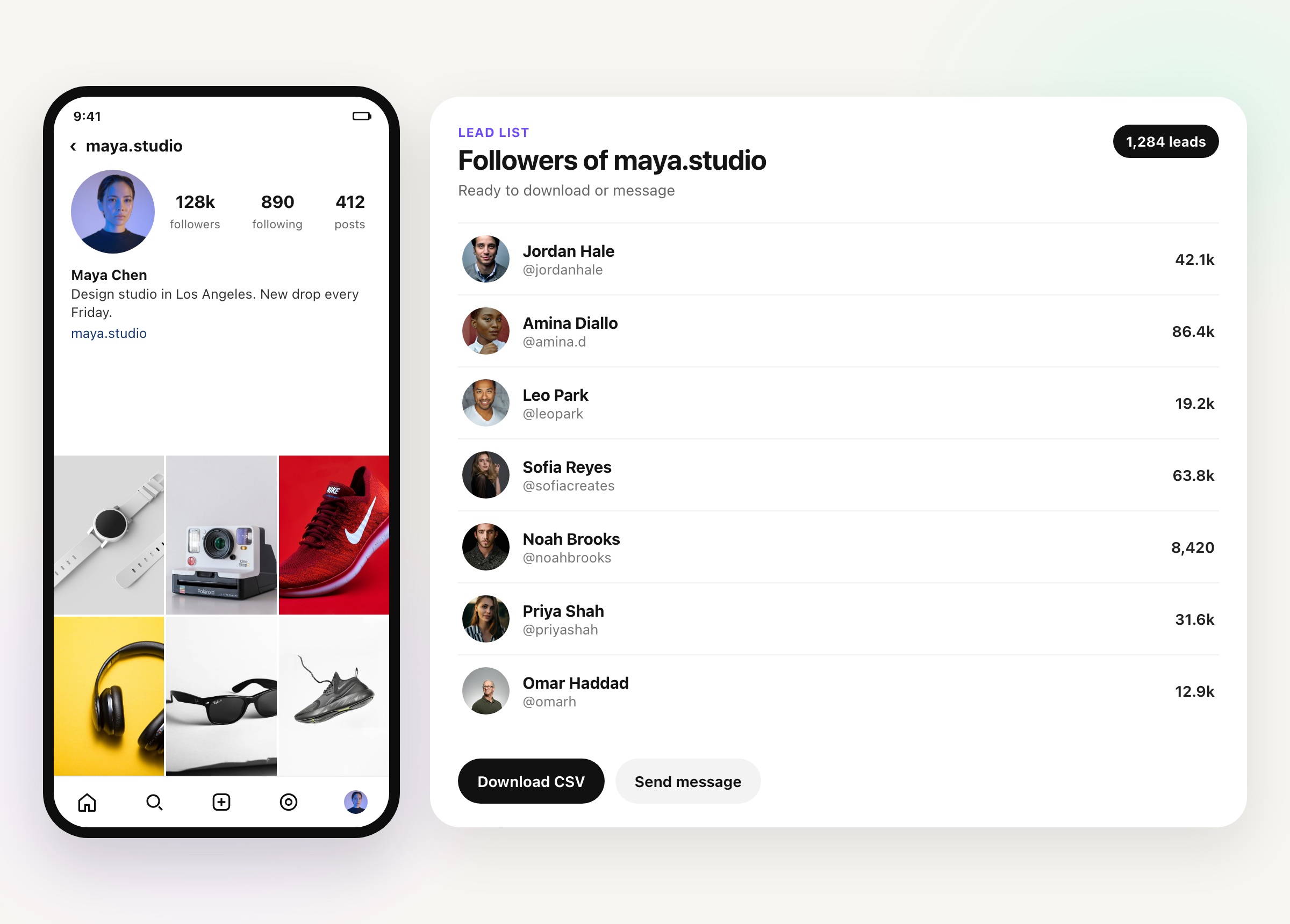
The people you export stay in IGdm Pro. Download them as a CSV for Excel, or start a bulk message from the same list.
Export followers, followees, post likers, or post commenters from any public Instagram account or post.
Enrich the export with bio, follower counts, category, links, and business email or phone when those fields are on the profile.
Download the lead list as a CSV and open it in Excel or Google Sheets, or message that list from the same screen.
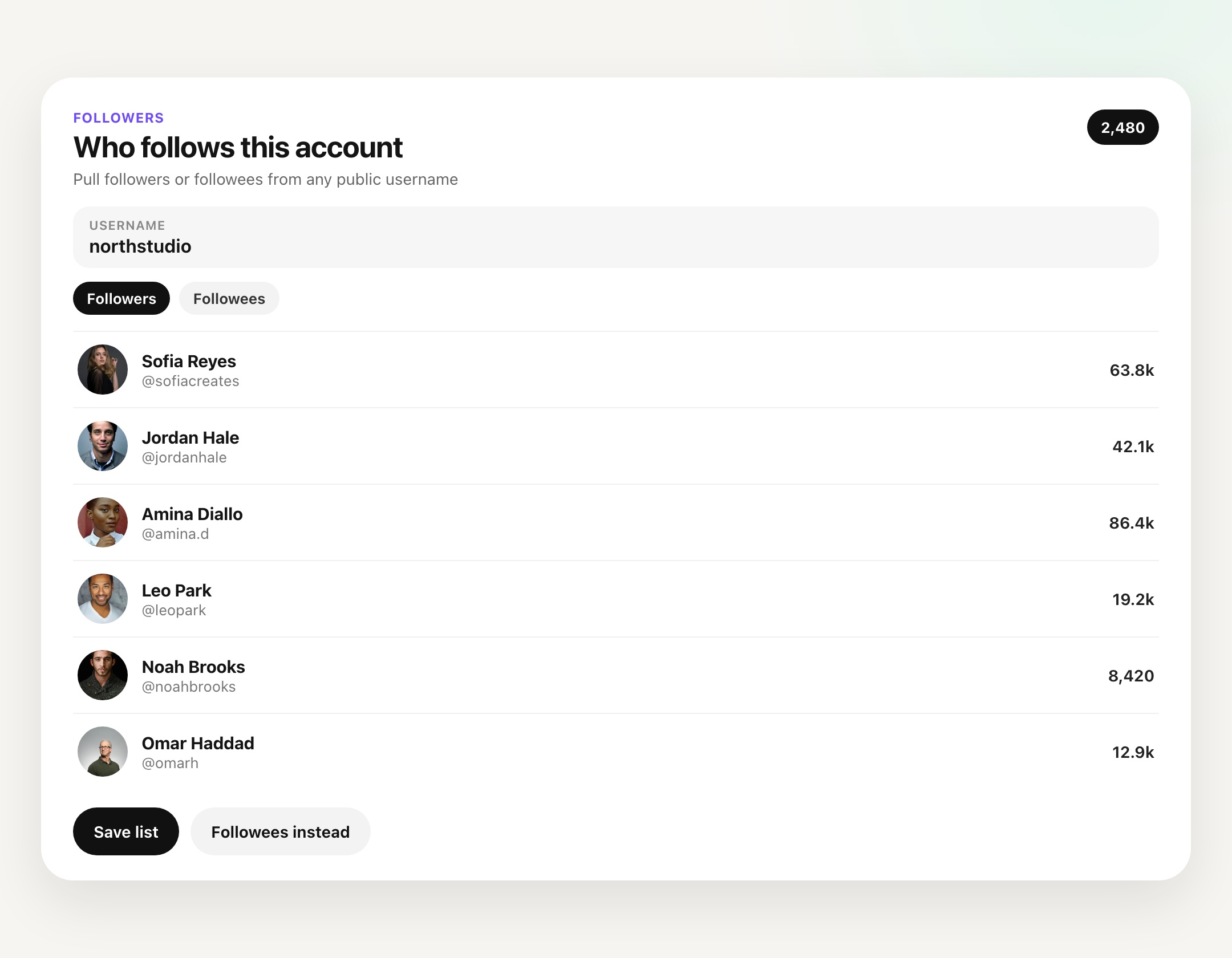
Enter a username and export who follows that account, or the accounts they follow. Name the list and choose how many users to download.
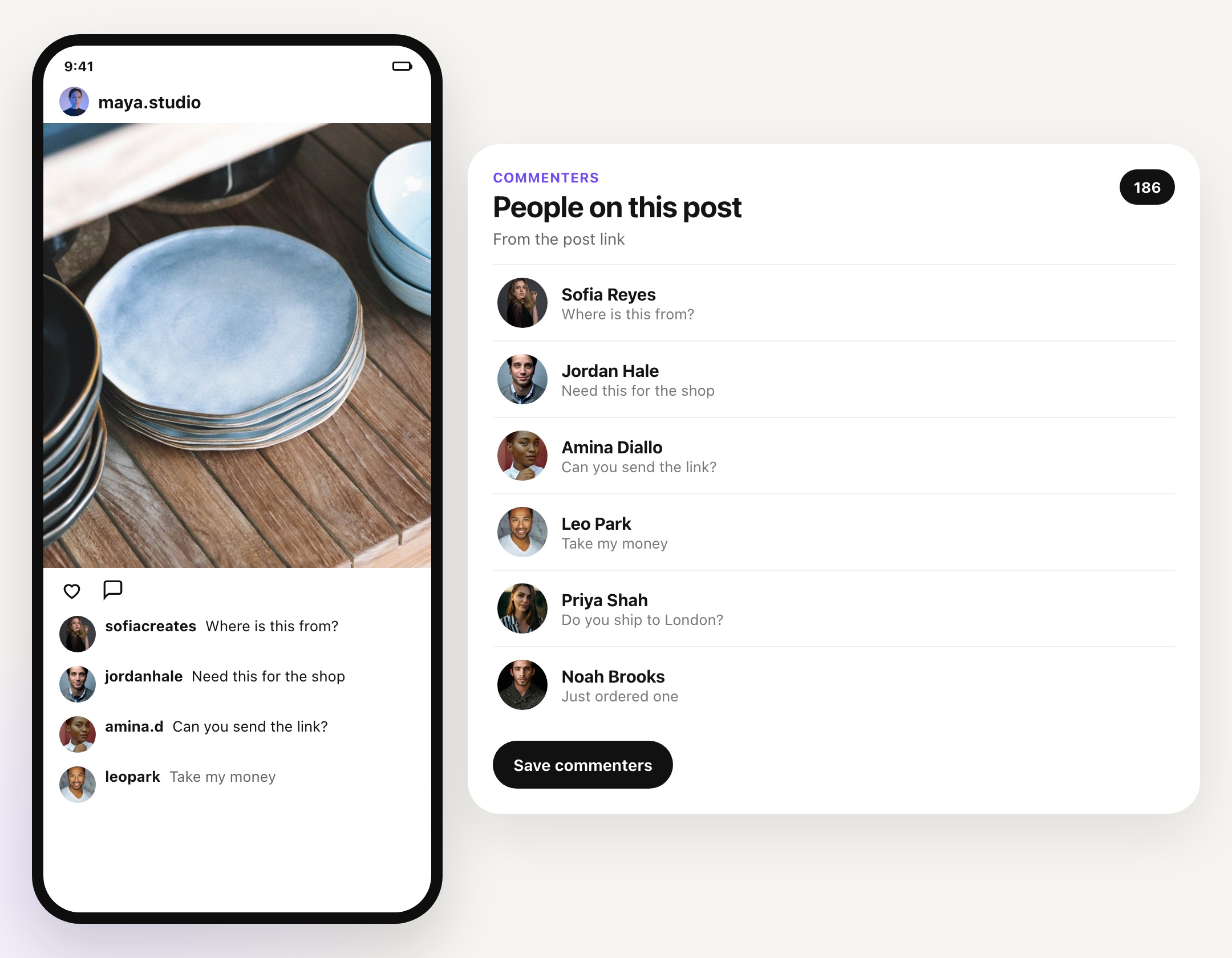
Paste a public post URL and export the users who commented. That includes your own posts and public posts from competitors or influencers.
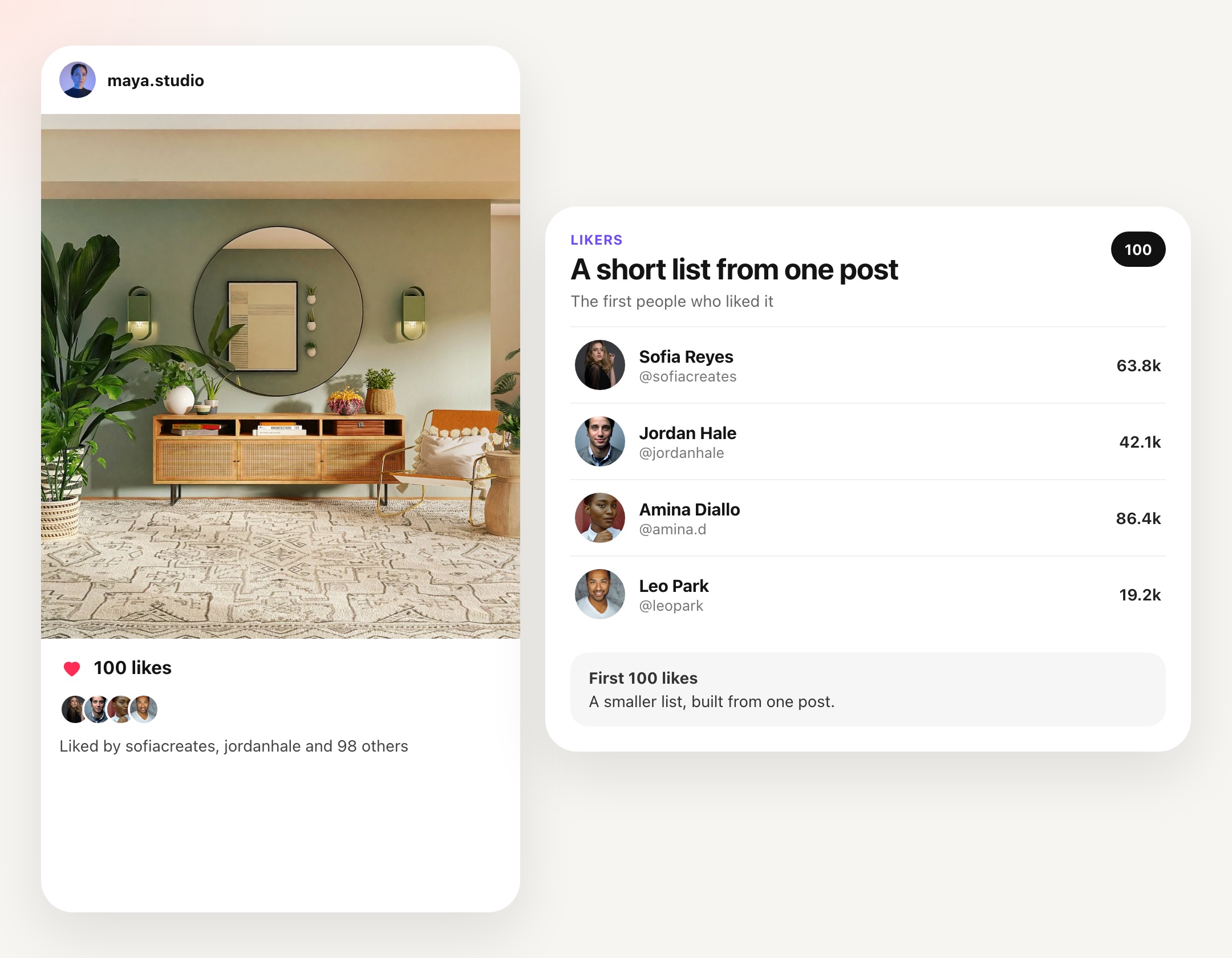
Export users who liked a public post.
Enrichment reads each profile and can drop leads that do not match the audience you want before the CSV download.
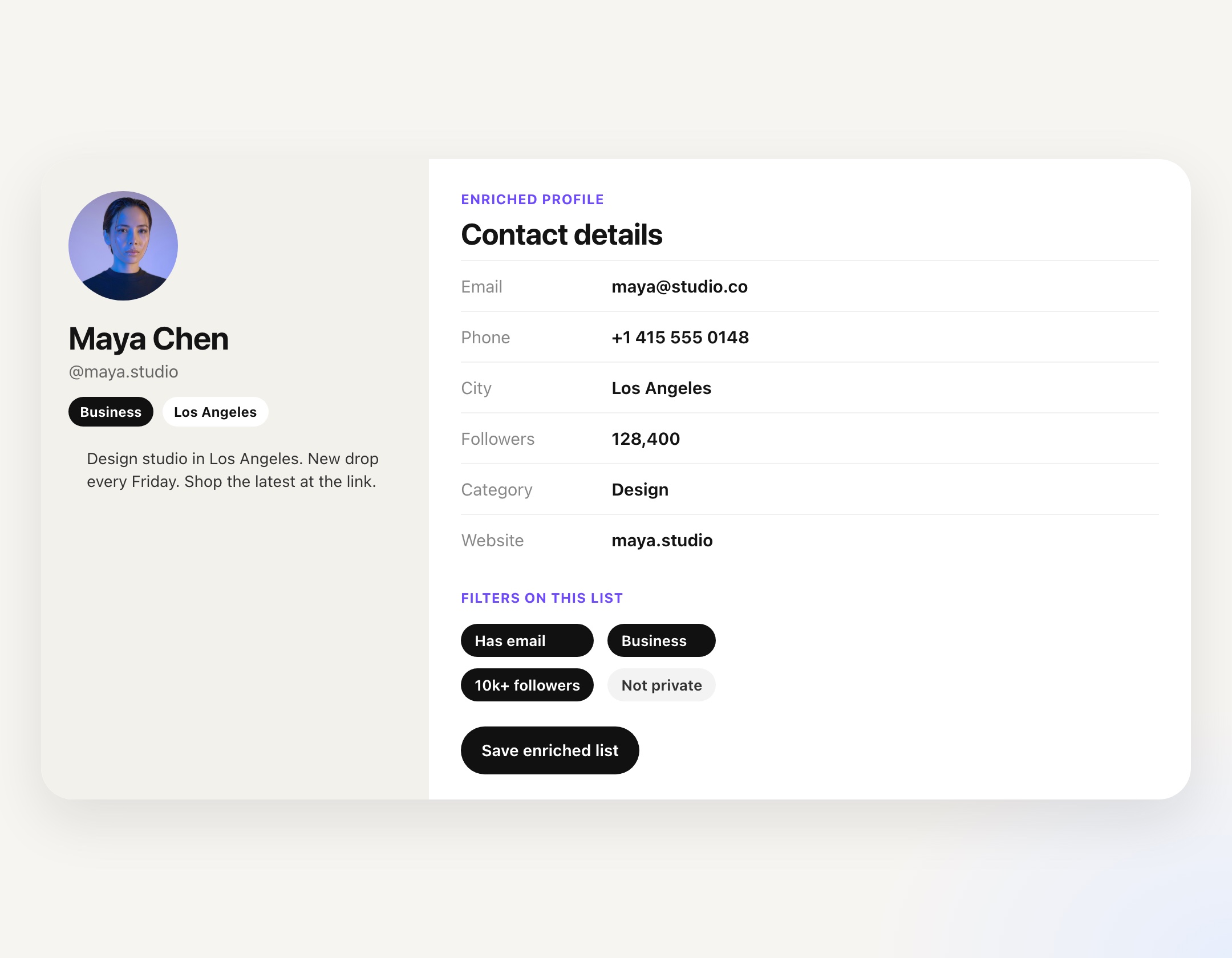
Enrichment writes a new list, so the original export stays intact. Download either list as a CSV.
Pick followers, followees, likers, or commenters.
Add the username or post URL, name the list, and start the export.
Enrich the export and filter out leads that do not fit.
Download a CSV for Excel, or send a bulk message to that list.
Enter a public username and export that account's followers, or the accounts they follow. You can also export people who liked or commented on a public post.
Followers, followees, and commenters export up to 4,000 users. A likers export includes up to 100.
It adds profile fields such as bio, follower counts, category, links, and business email or phone when Instagram shows them. Filters can drop leads that do not fit, and the result is saved as a new list you can download.
Yes. Download the lead list as a CSV and open it in Excel or Google Sheets. You can also start a bulk message to that list from IGdm Pro.
Downloading the CSV requires a paid subscription. You can still export lists during the trial and review them in the app.
Start a 10-day free trial, export an Instagram audience, and download the CSV or message the list.
✓ 10 Days Free Trial ✓ No Credit Card Required ✓ Cancel Anytime