Should I Use Proxy IPs for My Instagram Automation?
Short answer: only if your setup needs separate IPs.
If you automate one Instagram account (or a few) from your normal computer with a local tool like IGdm Pro, your regular home or office IP is usually the most natural option. A proxy is not required by default.
If you run many accounts from one machine, manage client logins as an agency, or need traffic to appear from a specific country, then yes: use one dedicated proxy IP per account.
This article is the decision guide. For proxy types and setup details, see What Proxy Do I use for Instagram Automations. For provider picks, see Top 5 Proxy Providers for Instagram Outreach.
Table of Contents
- What a proxy actually changes
- When you do not need a proxy
- When you should use proxy IPs
- What a proxy will not fix
- A simple decision checklist
- If you decide yes, do it correctly
- Conclusion
What a proxy actually changes
A proxy sits between your automation tool and Instagram. Instead of Instagram seeing your computer’s normal IP, it sees the proxy’s IP.
That matters for:
- Separating multiple accounts so they do not all look like the same network
- Matching an account to a country or region that fits its history
- Isolating client accounts in agency workflows
It does not magically make spammy outreach safe. IP routing is infrastructure. Trust still depends on how you send, warm, and personalise.
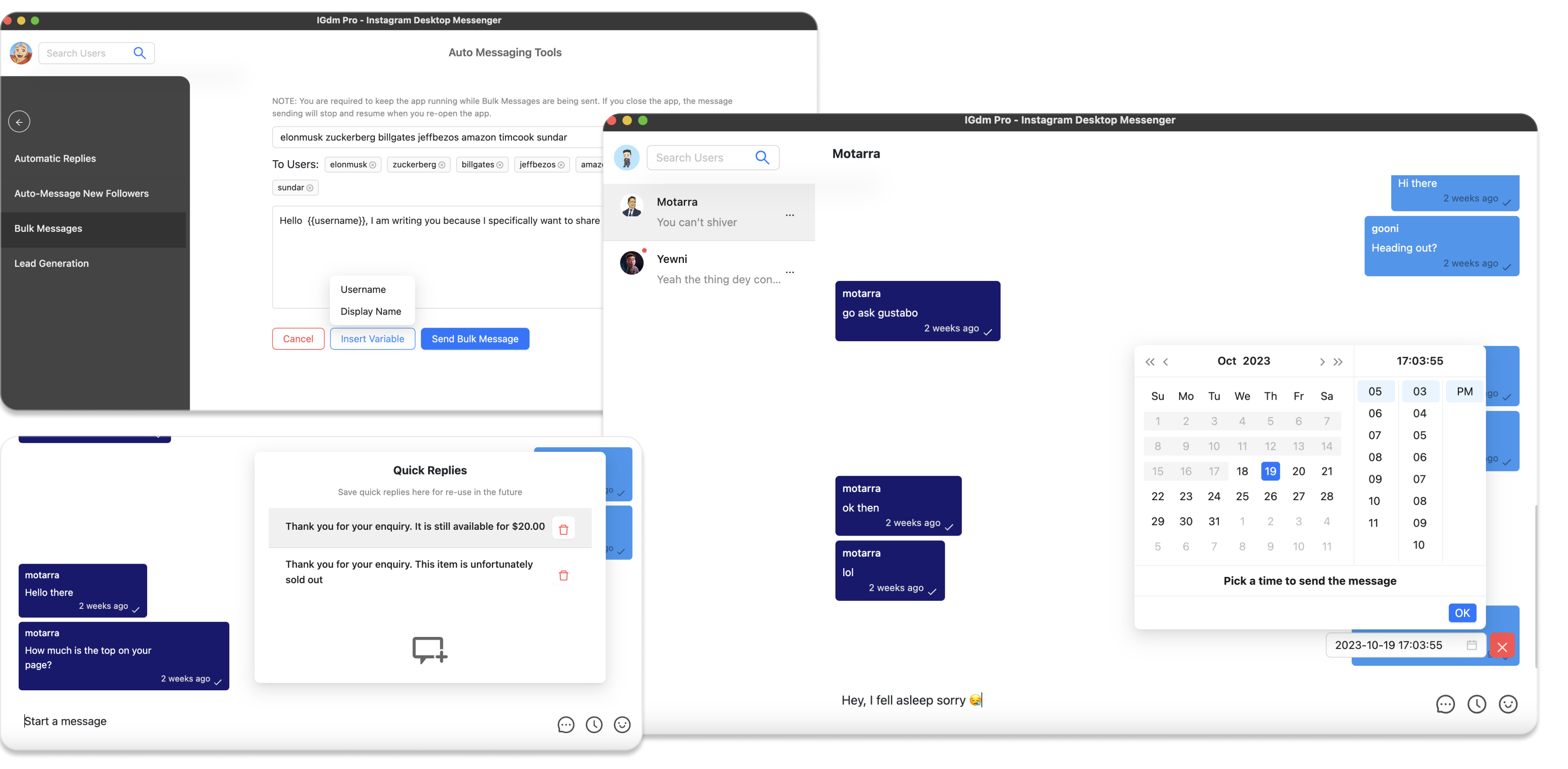
Local tools such as IGdm Pro normally use your real network unless you configure a proxy at login. Cloud tools are different: they often share remote server IPs, so proxies are more commonly required there.
When you do not need a proxy
Skip proxies for now if most of this is true:
- You automate 1 to a few accounts
- You run a local app or extension on your own computer
- Those accounts already live in the same city or country as your real IP
- You have not hit login or action blocks that clearly point to IP or location mismatch
In that case, spend your energy on:
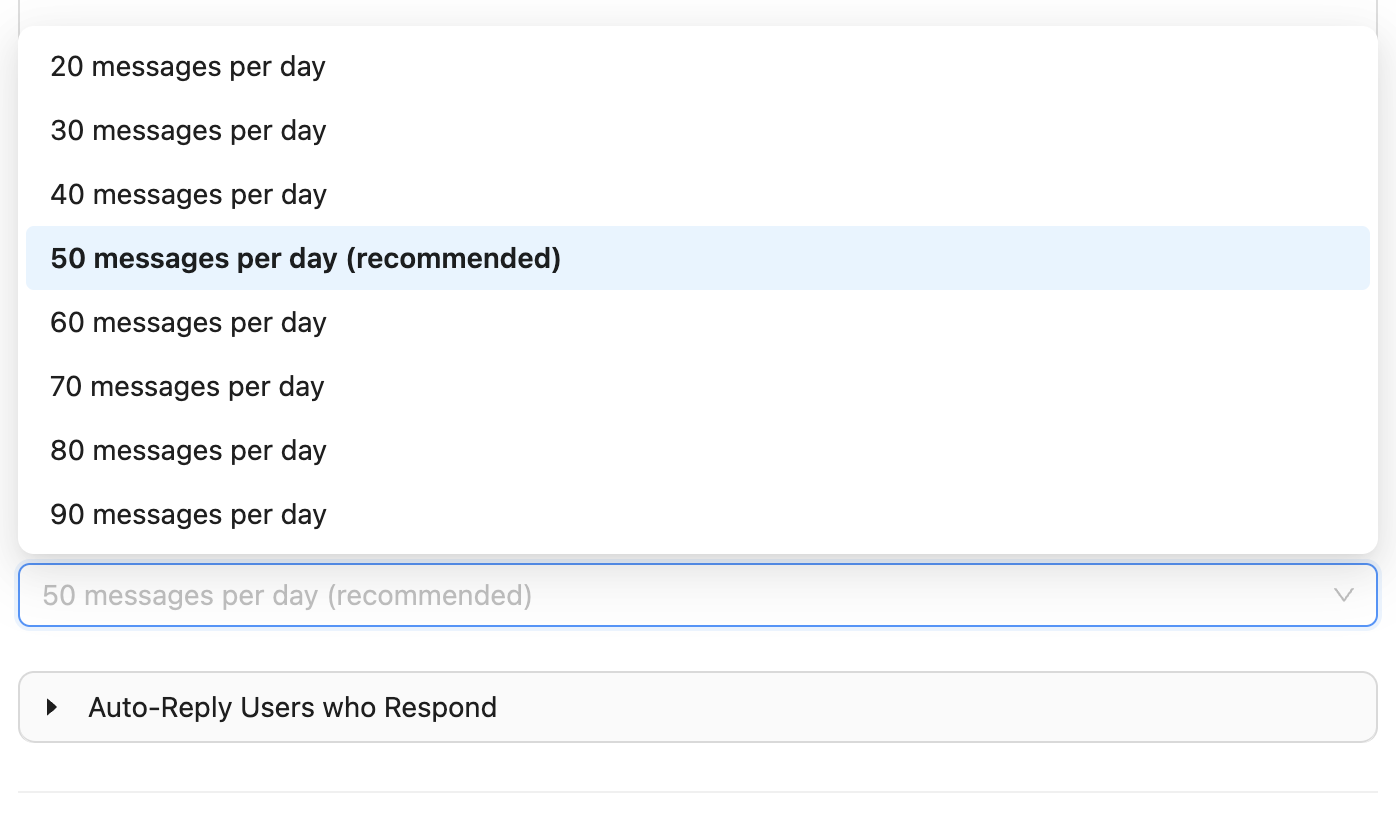
- Sensible daily send limits
- Message variation and personalisation
- Account warmup before heavy outreach
A proxy on a single healthy account can even create new problems if the proxy country does not match how that account usually logs in.
When you should use proxy IPs
Use proxies if one or more of these apply:
- You run many accounts on one machine (a common rule of thumb is around 10 or more logged in at once)
- You manage client accounts and need each login isolated on its own IP
- You need sessions to appear from a specific country that is not your real location
- You already see blocks that look like shared-IP or location mismatch issues
- You use cloud automation that puts many accounts on the same remote IP pool
In those setups, the goal is simple: one sticky proxy per Instagram account. Sharing one proxy across every account is almost as useless as using no proxy.
What a proxy will not fix
Buying residential IPs will not solve:
- Blasting identical templates at high volume
- Cold outreach with no warmup
- Bad lists and weak targeting
- Ignoring replies and looking like a bot inbox
- Sudden spikes from 10 to 300 DMs a day
Treat proxies as optional infrastructure for multi-account isolation. Safe automation still needs pacing, warm accounts, and better messages.
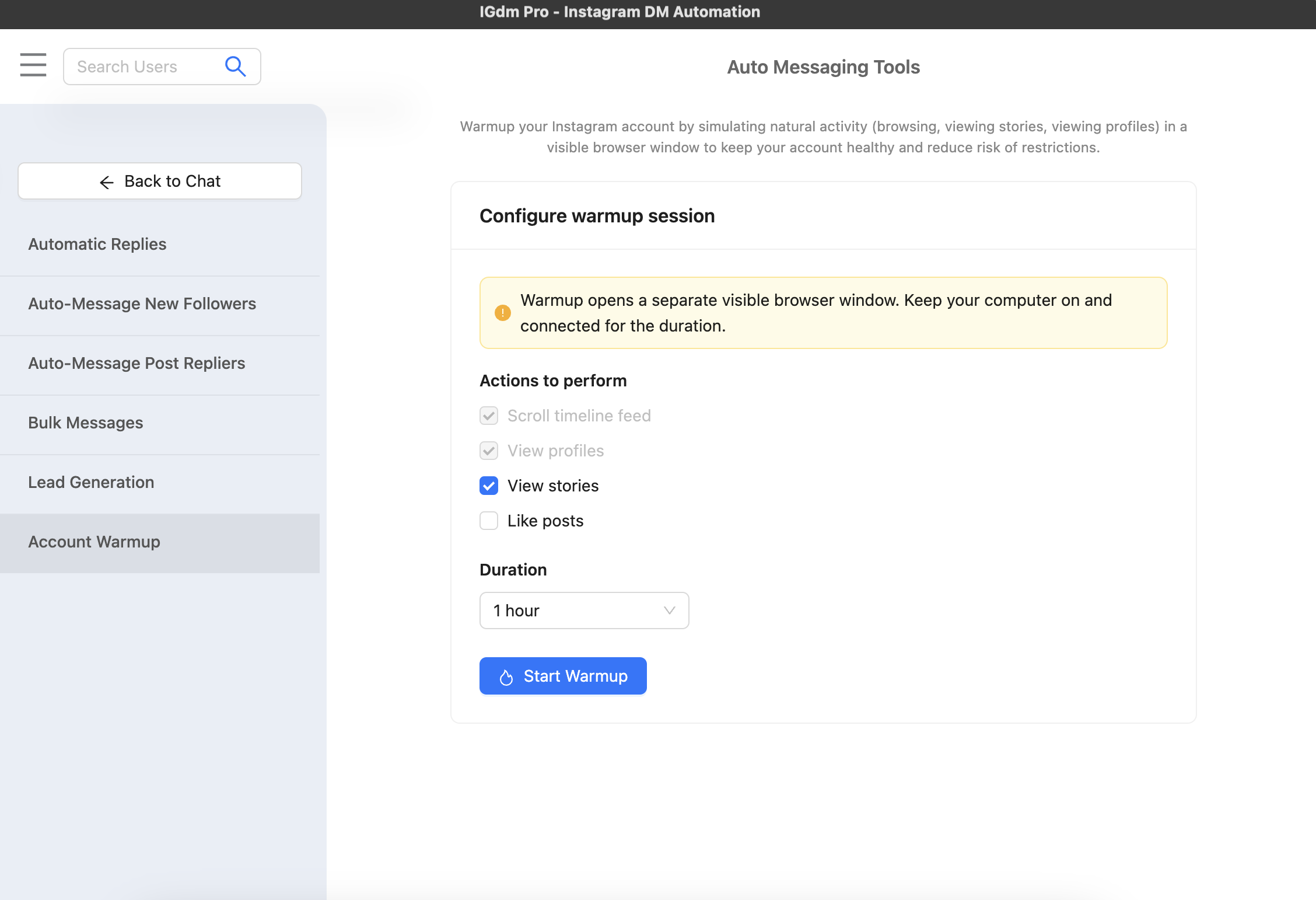
For the non-proxy side of risk reduction, see How to Automate Instagram Outreach Without Getting Banned and How to Warm Up Your Instagram Account Automatically.
A simple decision checklist
Ask yourself:
- Am I running one account or many?
- Is my tool local on my computer, or cloud-hosted?
- Do these accounts need to look like they are in different places?
- Have I already done the basics: limits, warmup, message variation?
Then decide:
| Your situation | Proxy decision |
|---|---|
| 1–3 accounts, local tool, normal home IP | Usually no |
| Agency / many accounts on one machine | Yes, one proxy per account |
| Need a different country than your real location | Yes, geo-matched sticky IP |
| Cloud tool sharing one server IP across accounts | Yes, or confirm the tool isolates IPs |
| Hoping a proxy will hide spammy sending | No. Fix the campaign first |
If you decide yes, do it correctly
- Prefer residential or mobile proxies over cheap datacenter pools.
- Use sticky / dedicated sessions so each account keeps a consistent IP.
- Assign one proxy per account. Never share one endpoint across your whole roster.
- Configure the proxy before login, then confirm the location looks right.
- Test one account first before rolling out to every login.
In IGdm Pro, proxy settings are available at login via Click to use Proxy. HTTP and SOCKS5 are supported. Keep that proxy tied to the same account for later sessions.
Then read:
- What Proxy Do I use for Instagram Automations for types, HTTP vs SOCKS5, and setup pattern
- Top 5 Proxy Providers for Instagram Outreach for provider options
Conclusion
Should you use proxy IPs for Instagram automation?
- No, if you are a local single-account or small-account operator with a normal IP and clean sending habits.
- Yes, if you need account isolation, geo matching, or multi-account scale on one machine.
Proxies help when IP separation is the actual problem. They do not replace warmup, limits, and relevant messaging.
Running outreach in IGdm Pro? Start with a 10-day free trial, then add proxies only when your account count or geography requires them.